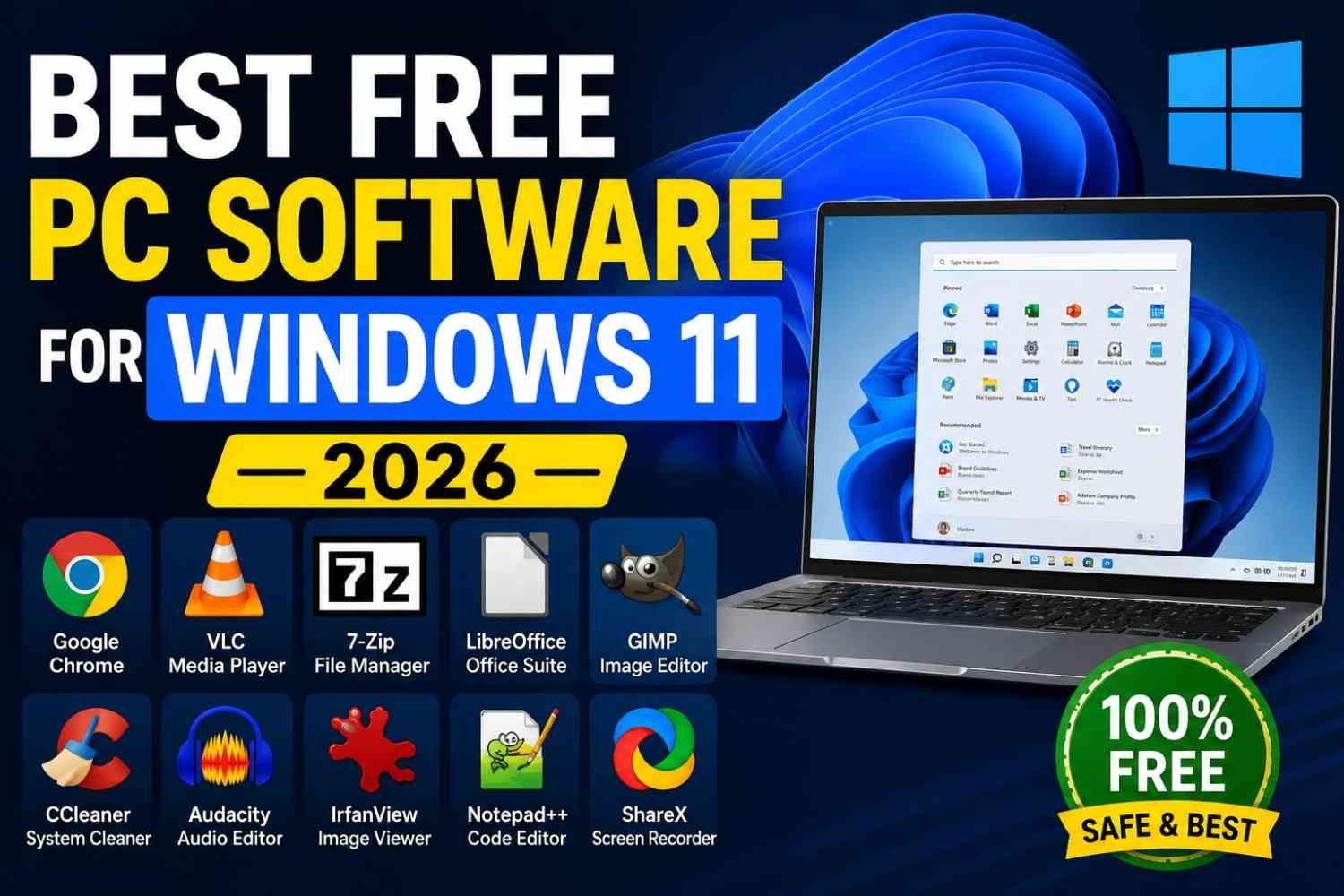
Finding reliable software for Windows 11 does not have to mean spending money. In 2026, there are many free PC programs that can improve productivity, file management, security, media playback, and everyday computer tasks.
If you are looking for the best free PC software for Windows 11 2026, this guide covers useful programs that are worth installing on a modern Windows PC. Most of these tools are free to use and are suitable for both beginners and experienced users.
1. Microsoft PowerToys
Microsoft PowerToys is one of the most useful free utilities for Windows 11. It adds extra features that are not included in the standard Windows experience.
You can use PowerToys for advanced window layouts, quick file renaming, keyboard shortcuts, text extraction, and other productivity tasks. It is especially useful for users who work with multiple windows or files every day.
2. 7-Zip
7-Zip is a lightweight file compression and extraction tool. It supports popular archive formats and can create highly compressed 7z files.
Unlike many commercial compression programs, 7-Zip is completely free and open source. It is an excellent choice if you regularly download ZIP, 7z, or other compressed files.
3. VLC Media Player
VLC Media Player remains one of the best free media players for Windows 11. It supports a huge range of video and audio formats without requiring users to install multiple codec packs.
VLC is simple, lightweight, and useful for watching movies, playing music, and opening media files that may not work properly in some other players.
4. Share
ShareX is a powerful free screenshot and screen-recording tool for Windows. It offers much more than taking a basic screenshot.
You can capture a specific window, record your screen, annotate images, copy screenshots, and automate different capture tasks. It is a great option for students, content creators, and office users.
5. Everything
Windows Search is useful, but users who frequently manage large numbers of files may want something faster. Everything is a lightweight file-search utility designed to find files and folders quickly.
Its simple interface and fast search make it particularly useful on PCs containing thousands of documents, images, videos, and other files.
6. Notepad++
Notepad++ is a fast and lightweight text editor for Windows. It is especially popular with developers and advanced users because it supports many programming and markup languages.
It can also be useful for editing configuration files, scripts, notes, and plain-text documents without the overhead of a full office application.
7. Bitwarden
For anyone who has many online accounts, a password manager can make everyday security much easier. Bitwarden offers a free password-management option for storing and managing passwords.
Using unique passwords for different accounts is an important security practice, and a password manager can make that much easier to maintain.
8. Audacity
Audacity is a free audio editor and recorder that works well for basic and advanced audio projects. You can record audio, cut clips, remove unwanted sections, adjust volume, and apply various effects.
It is useful for podcasters, students, musicians, and anyone who needs a free tool for editing audio files.
9. LibreOffice
LibreOffice is a popular free alternative to paid office suites. It includes applications for writing documents, creating spreadsheets, making presentations, and more.
For users who do not want to purchase an office subscription, LibreOffice can provide many of the tools needed for everyday productivity.
10. HWiNFO
HWiNFO is useful for users who want detailed information about their PC hardware. It can display information about the processor, memory, motherboard, storage devices, and other components.
It can be particularly helpful when troubleshooting hardware problems or checking system specifications before upgrading a PC.
Which Free Windows 11 Software Should You Install?
The best choice depends on what you do with your computer. For everyday productivity, Microsoft PowerToys, 7-Zip, VLC, ShareX, and Everything are excellent starting points.
If you work with documents, LibreOffice can be useful, while Notepad++ is a good choice for text and code editing. For audio work, Audacity is worth considering, and HWiNFO is useful for monitoring and checking PC hardware.
Final Thoughts
The best free PC software for Windows 11 2026 does not have to be complicated or expensive. The programs listed above can help with productivity, file management, media playback, security, system information, and other everyday tasks.
Before installing any software, always download it from the developer’s official website or another trusted source. Keeping your applications updated is also important for security and compatibility.
If you are setting up a new Windows 11 PC, start with a few tools that match your needs rather than installing dozens of unnecessary programs. A small collection of reliable applications can make your PC faster, easier to use, and more productive.